
Work offline
Many core tasks work without an active internet connection — perfect for the café, the train or the home office.
See the offline approach →BILLEVO Standard runs natively on Mac and MacBook. Invoices, quotes, receipts, expenses and payment reminders stay local on your device — with an Apple Silicon build for M-chips and a separate Intel build for older Macs.
BILLEVO is not a disguised browser tab. The app launches from the Applications folder, integrates with the macOS menu bar and uses familiar shortcuts. Switch with Cmd+Tab, back up with Time Machine and keep your bookkeeping on your own Mac.
~/Library/Application Support/BILLEVO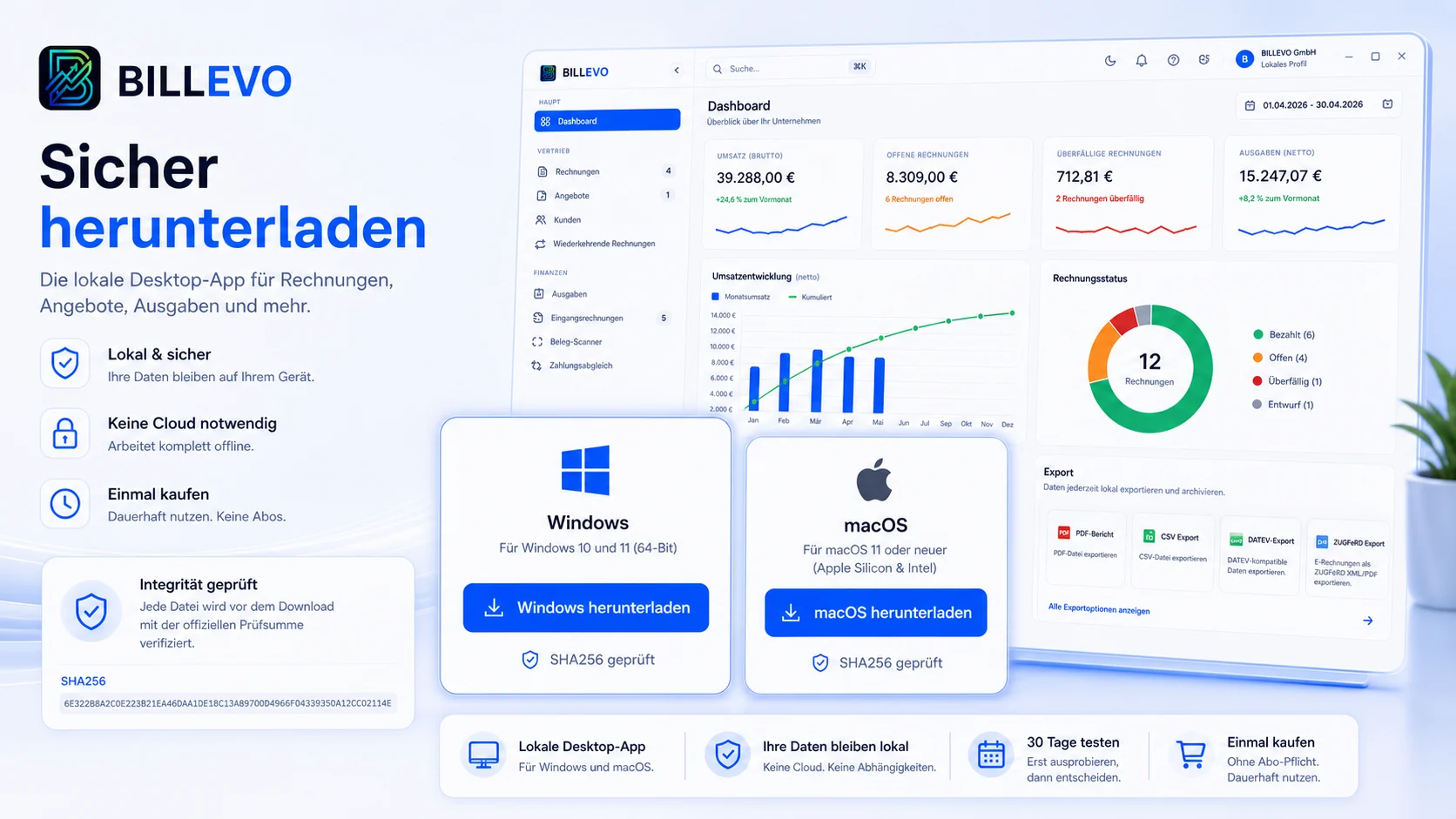
BILLEVO is deliberately not a cloud dashboard with a Mac wrapper. You keep control over local storage, Time Machine backups and forwarding to your tax advisor or bookkeeping.
Many core tasks work without an active internet connection — perfect for the café, the train or the home office.
See the offline approach →Pick customers, capture line items, generate PDF and keep an eye on outstanding amounts.
Read the workflow →One-time purchase instead of a monthly obligation. Same license on Mac and Windows, same app.
View the pricing model →We communicate openly: the macOS build of BILLEVO Standard 3.7.1 is currently not notarized. On first launch, Gatekeeper therefore shows a notice. The install help describes step by step how to release the app through System Settings — without dubious workarounds from the internet.
We publish SHA-256 checksums for every build so you can verify the downloaded DMG yourself.
View checksums →The download offers two DMGs: an arm64 build for M-chips and an x64 build for older Intel Macs.
Open download →Notarization via the Apple Developer Program is on the roadmap. Until then, BILLEVO remains fully usable without notarization.
Read release notes →Test for 30 days whether the local way of working fits your Mac workflow. The current Apple Silicon build and Intel build are linked on the download page.