
Fast & responsive
Native performance, no loading spinners. Lists, filters and search react instantly.
The desktop app is the stable foundation of BILLEVO Standard: edit invoices, quotes, customers, expenses, receipts, reports and exports locally — without cloud lock-in or constant waiting times.
No colorful tabs, no distracting pop-ups. Instead: a clear sidebar, a central work area, and language that doesn’t try to entertain you but actually helps get the work done.
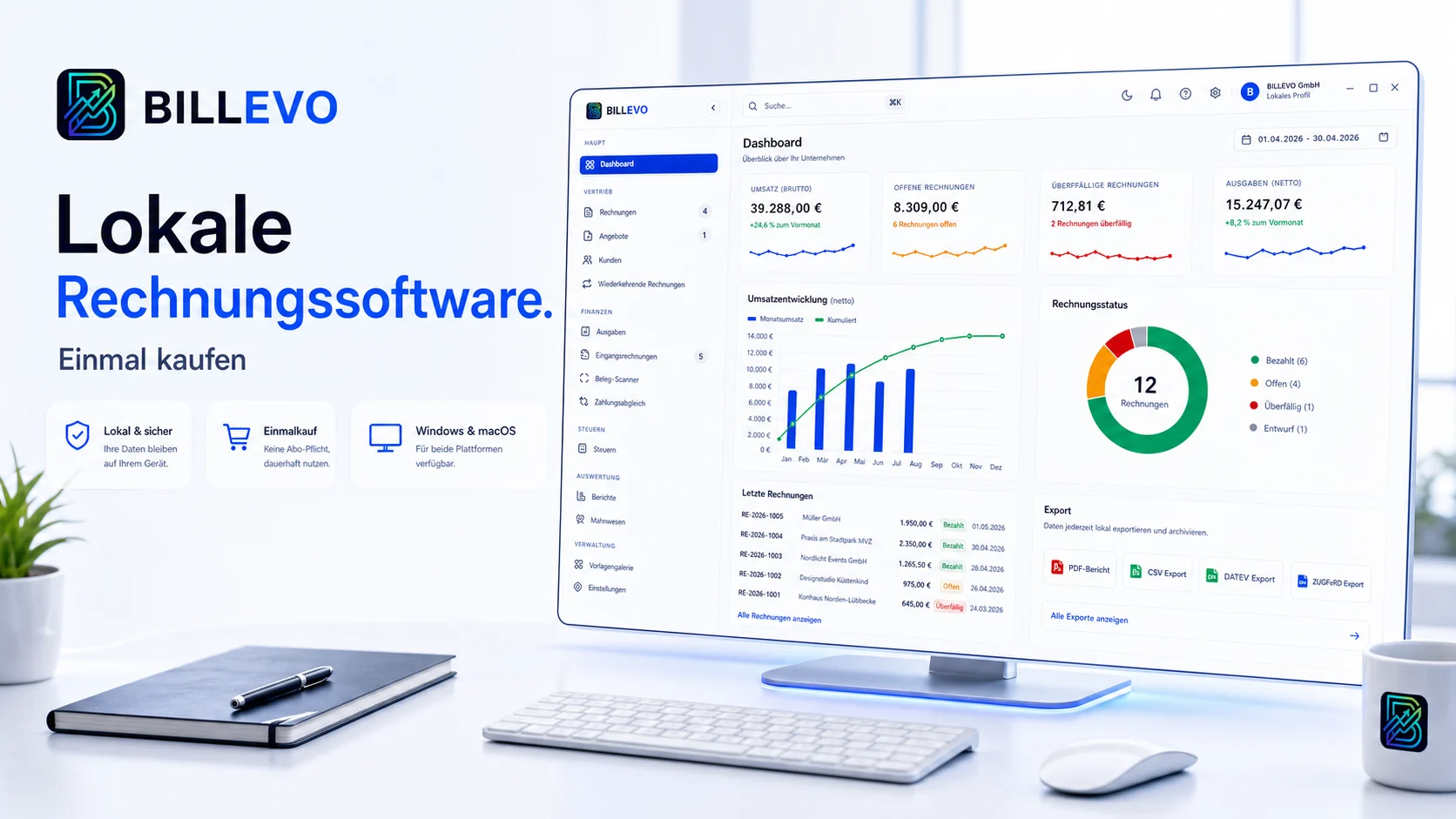
BILLEVO is planned and built as a desktop app: fast operation, local data storage and clear control. The public 3.7.0 download is available for Windows and macOS.
Compatible with current Windows versions. The digital signing of the public release file is in preparation.
BILLEVO is available for macOS as a ZIP download for Apple Silicon and Intel. The files are currently neither signed nor notarized; this status is shown transparently.
Cloud solutions sound convenient, but when the internet stalls, work stalls. BILLEVO starts with a strong desktop stance — no waiting for a server.
Native performance, no loading spinners. Lists, filters and search react instantly.
Data stays local. Web app and sync are on the roadmap and not part of the Standard release.
Updates are delivered in a controlled way. Roadmap features arrive only when stable and clearly labelled.